Open Source
Setup
You can watch the videos or start reading below.
Windows Setup
- Get the binaries for Windows or Linux and extract it.
- Point within Cubit to the Directory.
- |Tools->Plugins->Add
- Restart Cubit.
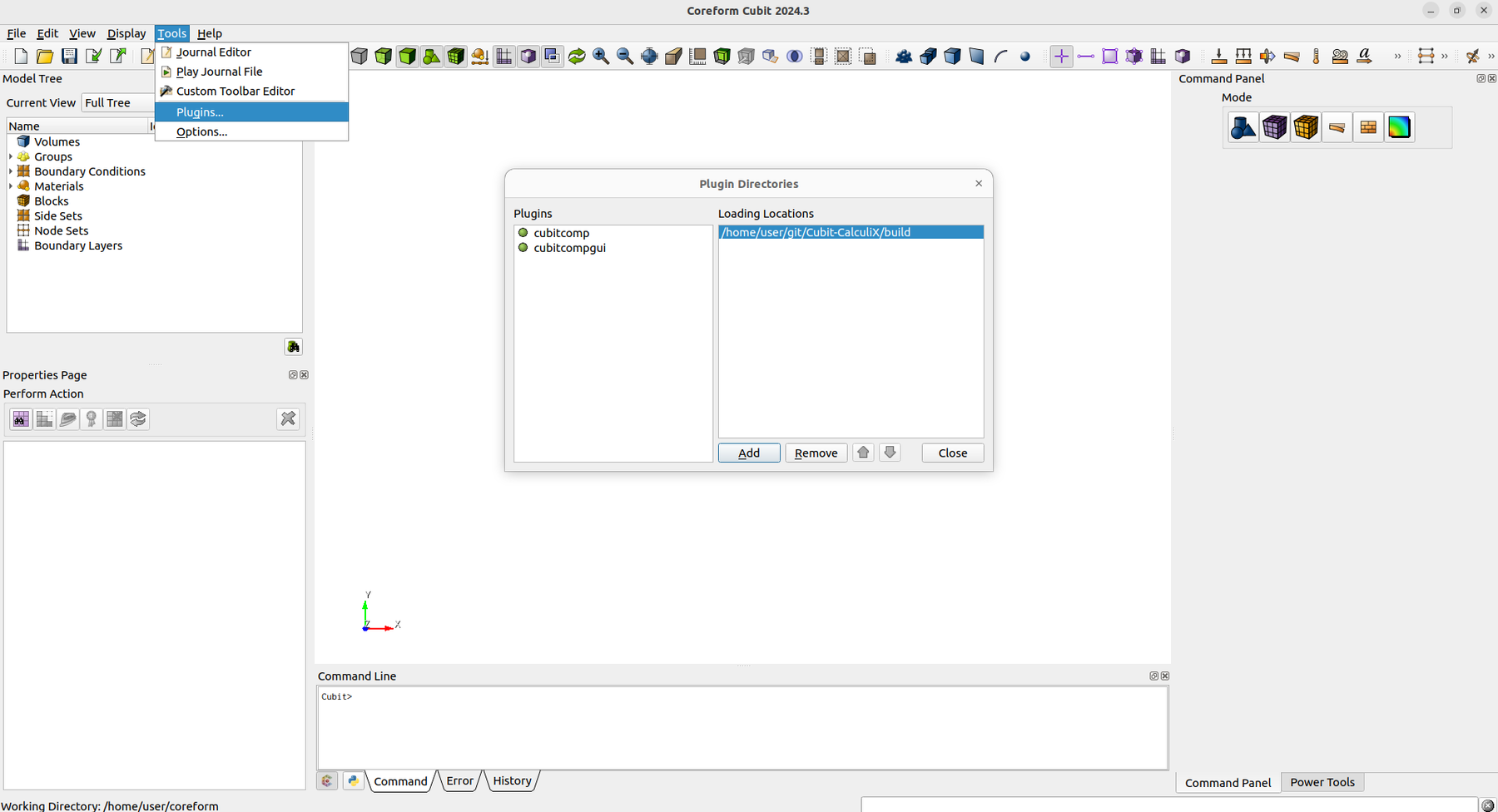
- The Cubit Window should now show "Coreform Cubit 202x.x -- with CalculiX" in the Title.
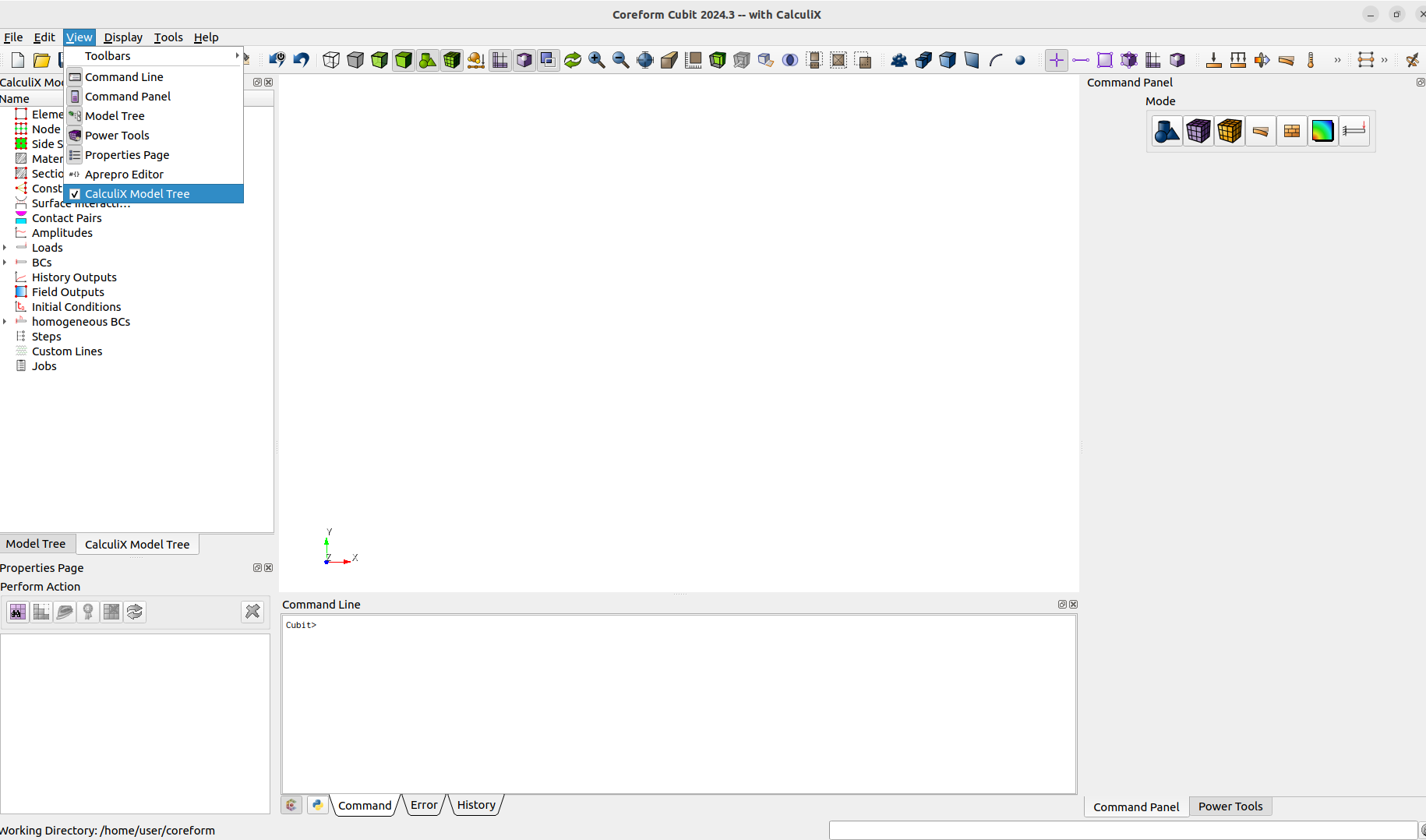
- Enable Model Tree
- |View->CalculiX Model Tree
- Try to open and run the journal file "first_run.jou"
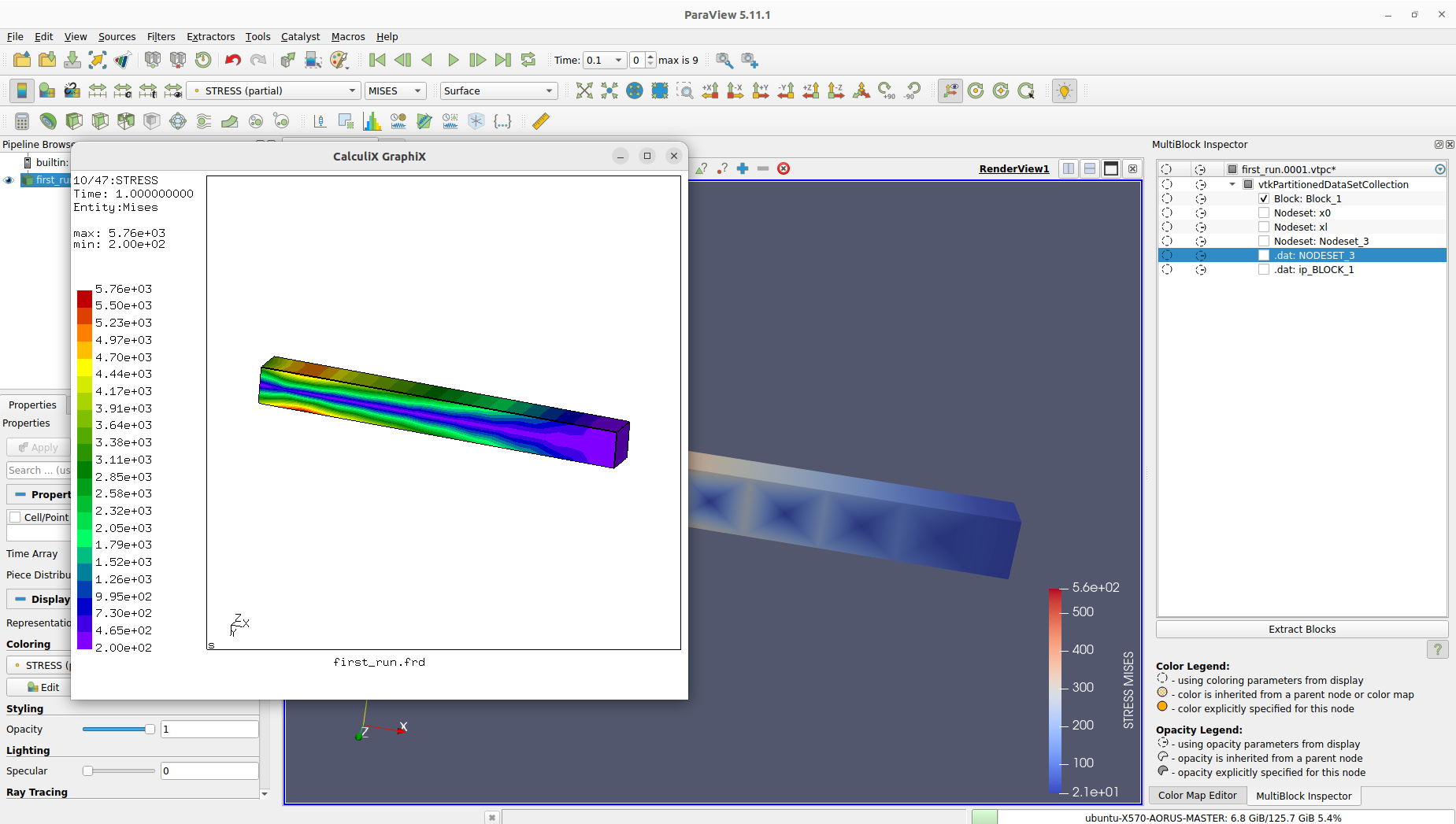
- If everything works. It should compute a beam and automatically open the results with cgx and paraview.