Open Source
Bolted Connection
On Github: Example Bolted Connection
In this Example we will do a simple bolted connection. First we need to create the geometry.
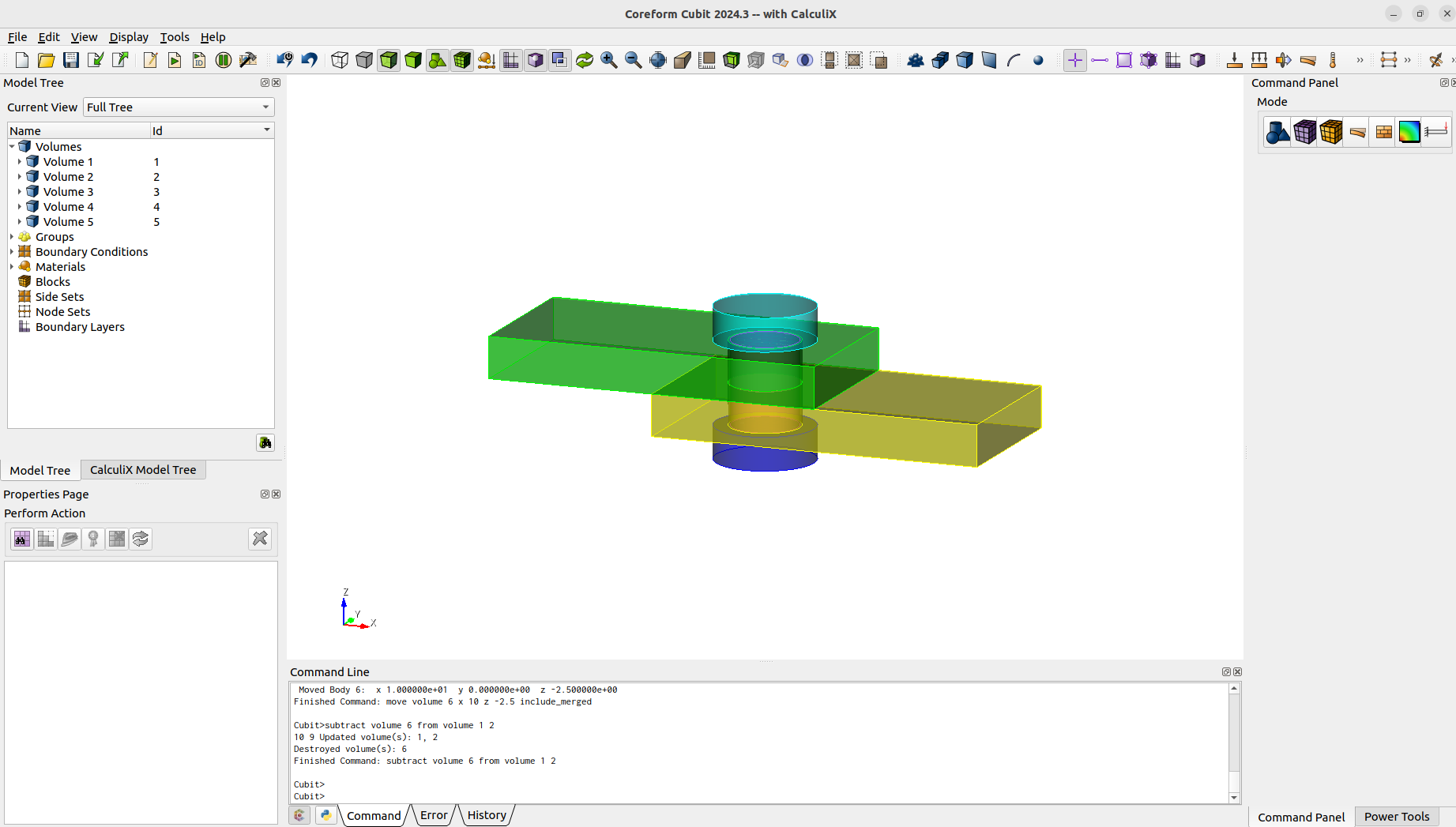
After the geometry creation we can already imprint, merge and mesh.
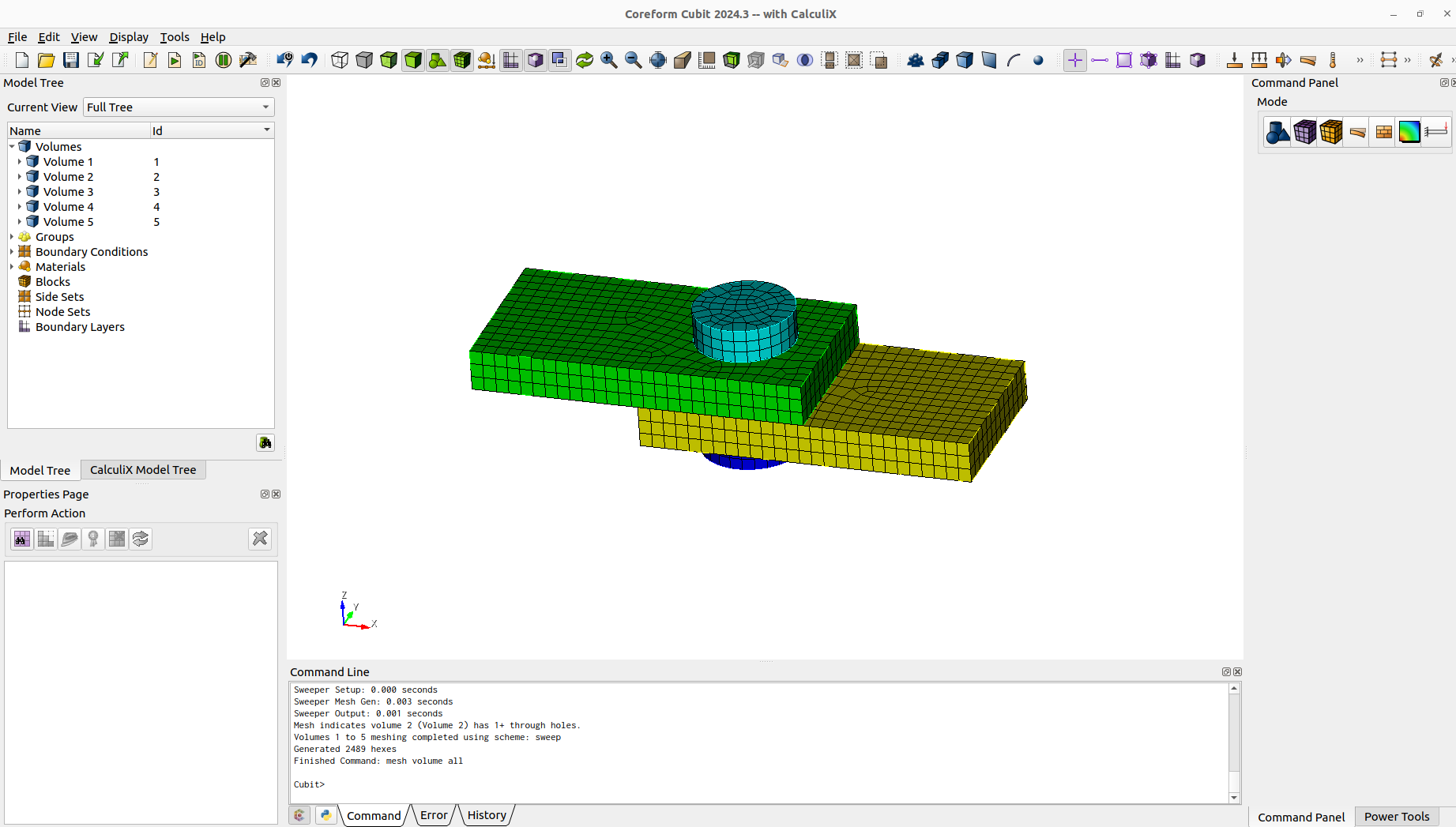
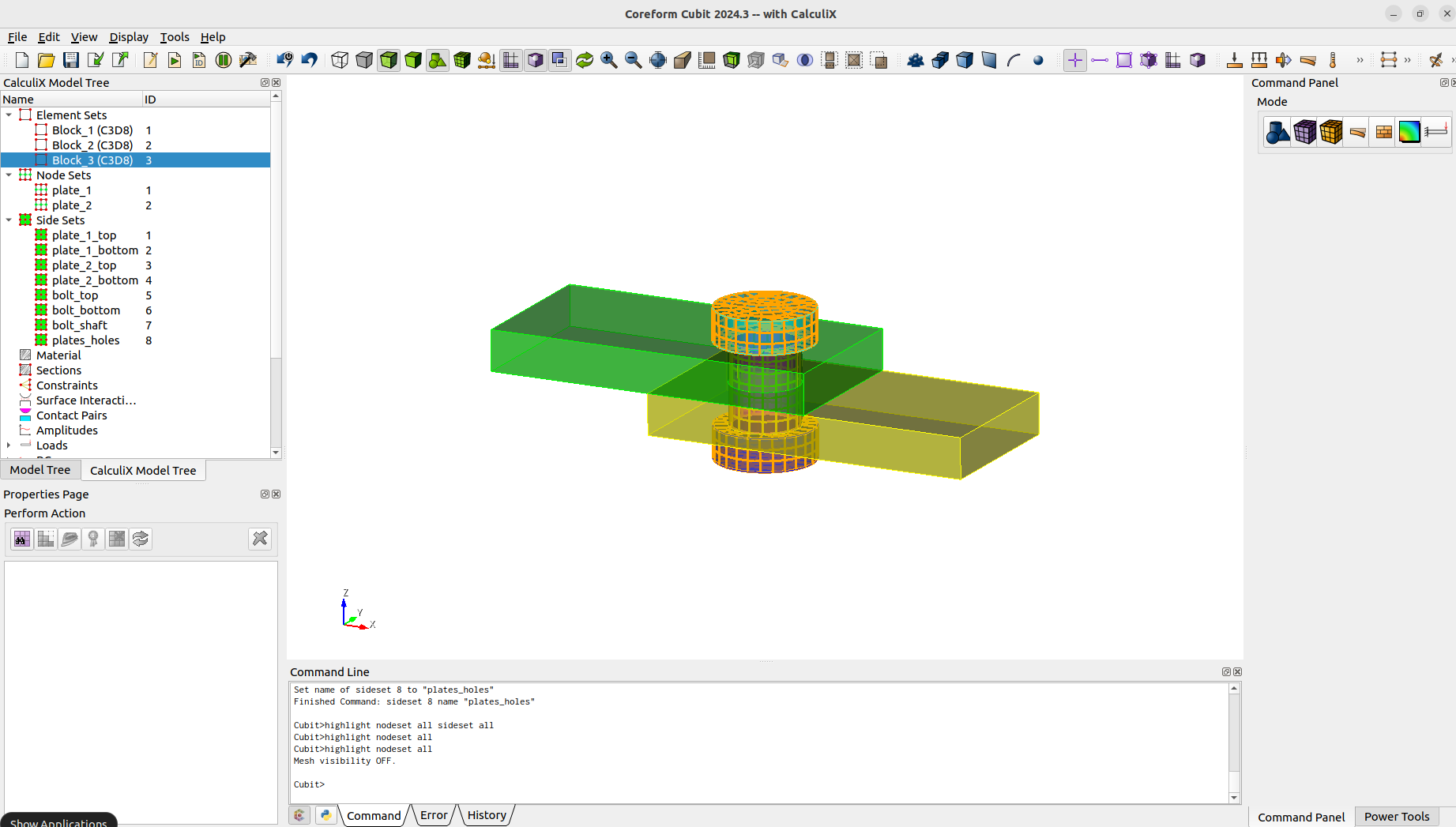
We define the blocks (element sets), nodesets and sidesets that will be needed.
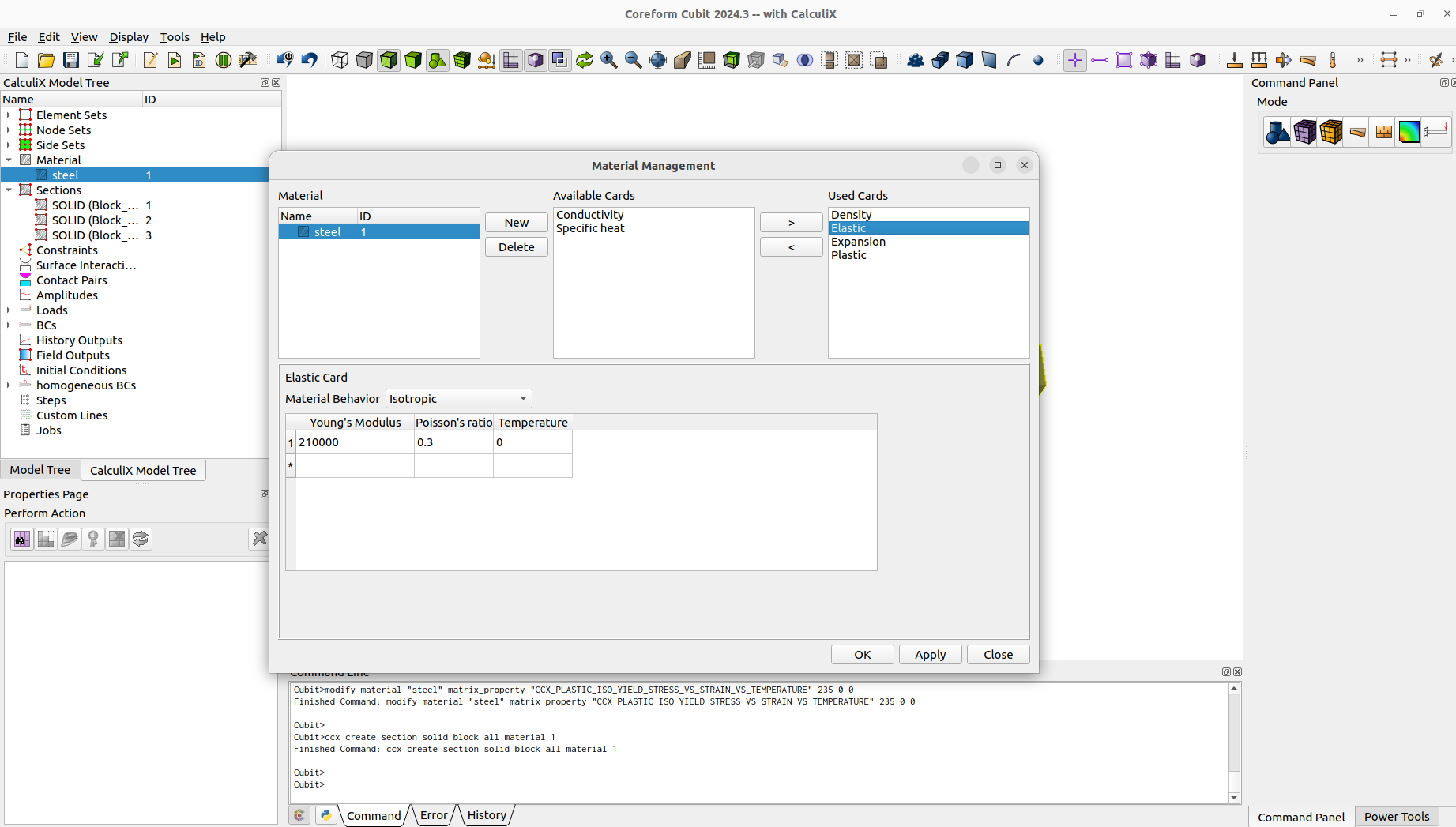
We define the material and make a section assignment.
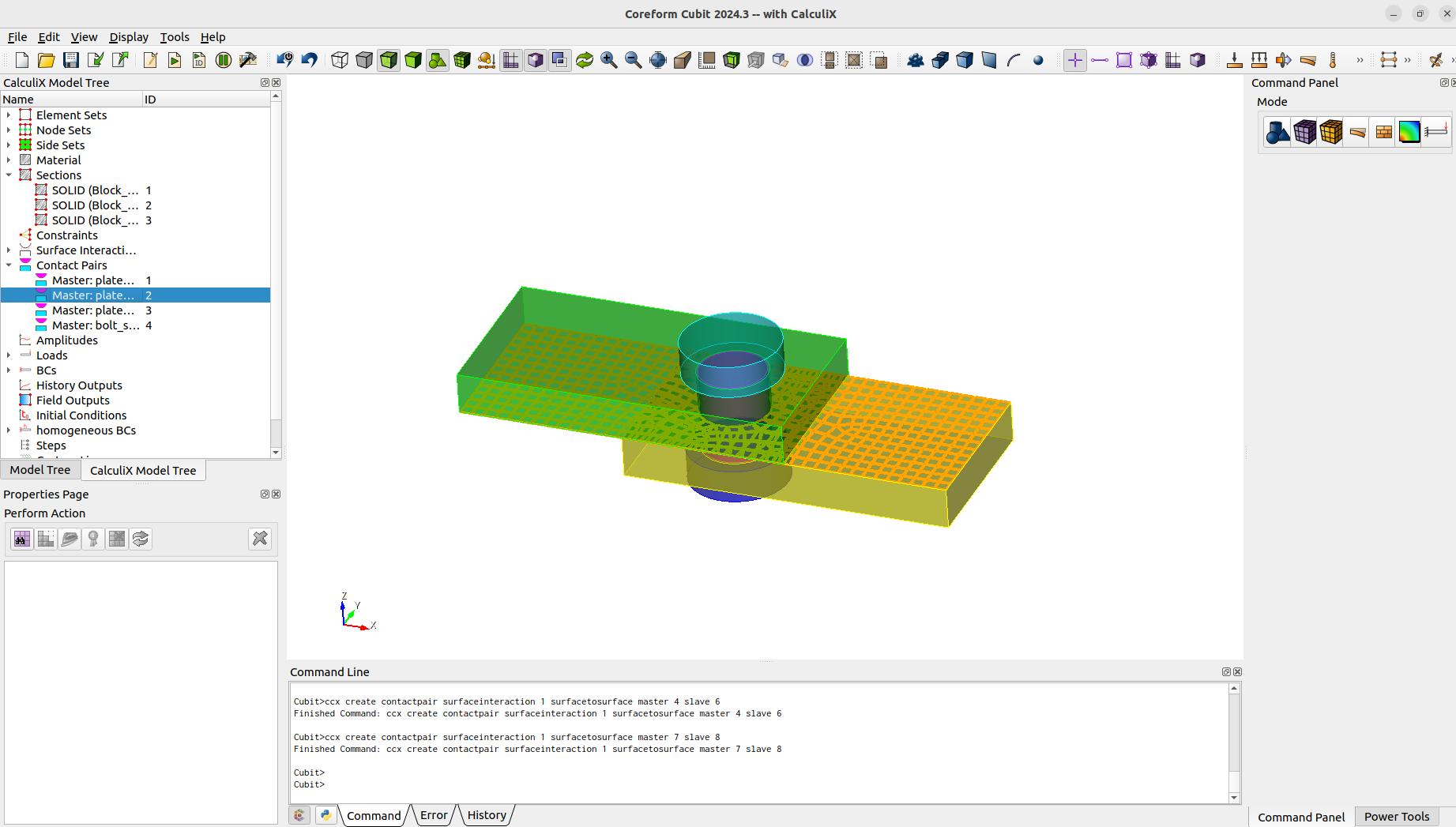
As we want to model a contact problem, we need a surface interaction and contact pairs.
One way to define a preload for bolts, is to use the thermal expansion or in this case a shrinking. It is needed to define initialconditions for the temperature and "preload" the bolt with a temperature.
To initial the contact we first want the plates to be fixed. When contact is achieved we will pull the plates apart. The boundary conditions are as follows.
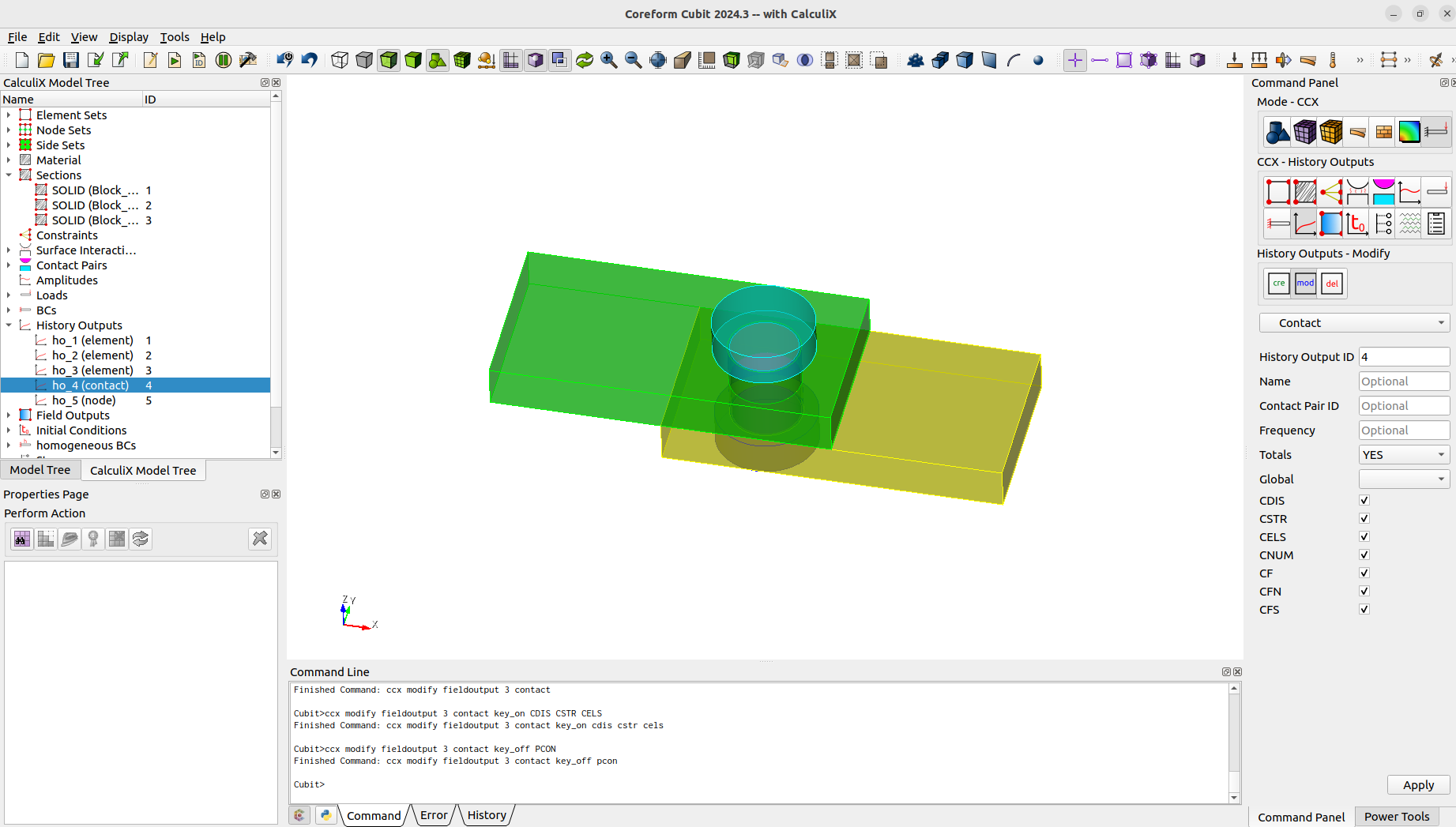
Now we define the two needed steps. First one is to preload the bolt and achieve contact. The second step is for pulling the plates apart. We can easily assign the bc's and outputs to the steps with the steps management.
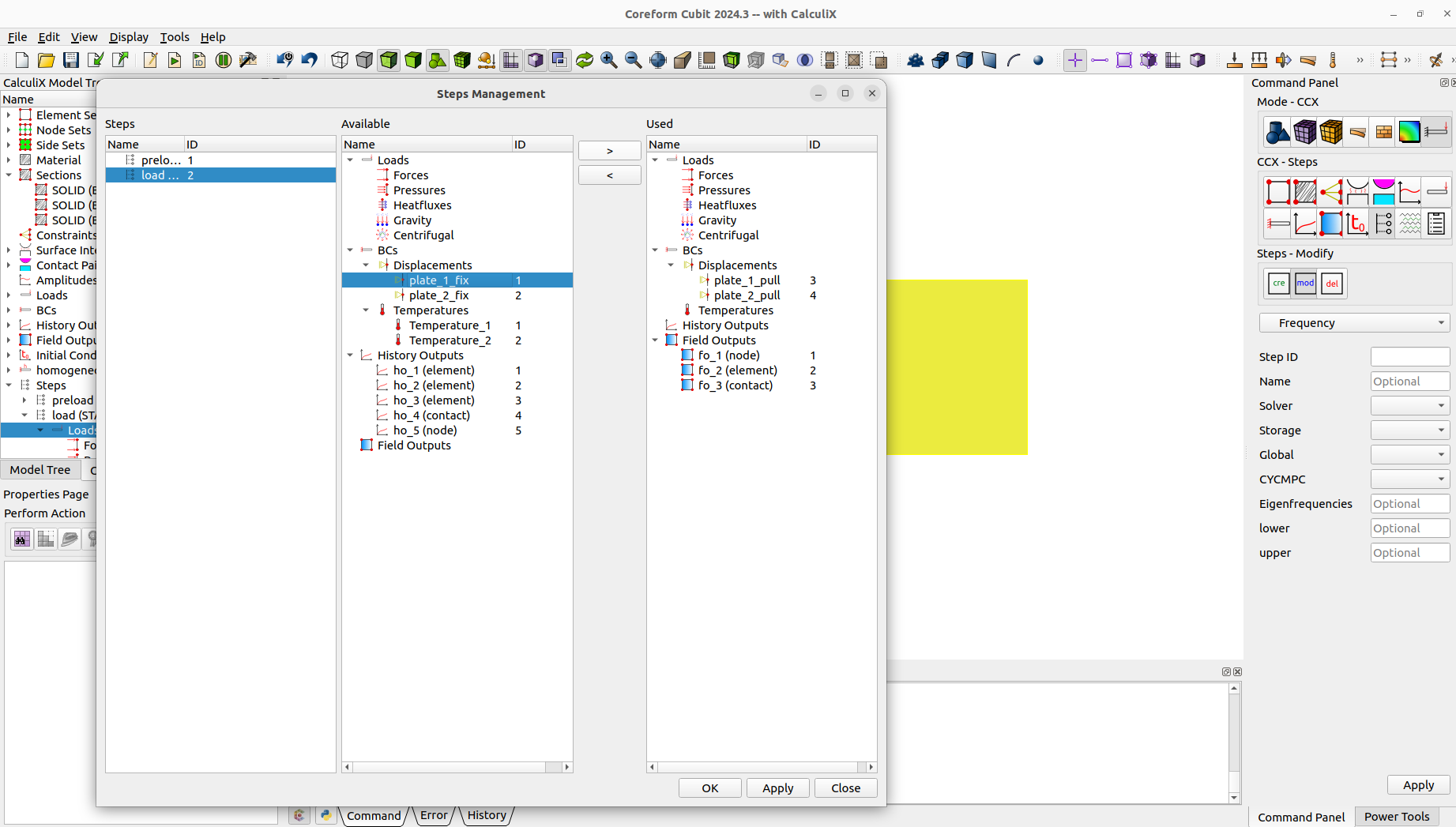
Last thing is to create a job and then we can already run CalculiX.
When we view the results with paraview. We will notice that some results from CalculiX were skipped in the conversion.
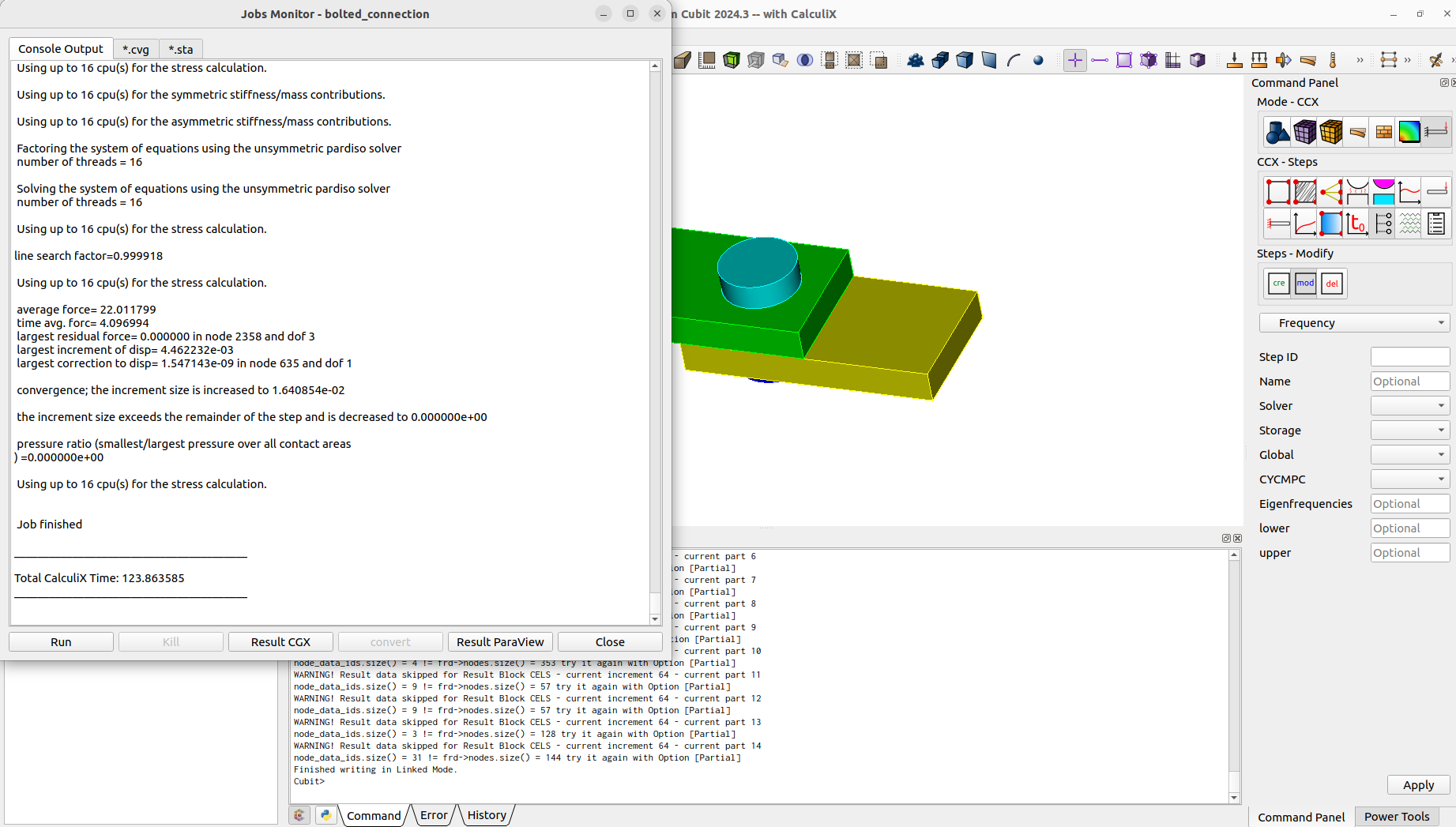
This is because we used a contact output. In the .frd file, contact outputs will only be written for elements in contact. This means that not for every node a result will exists. Inconsistent results over the iterations will cause problems, so they will be skipped when writing the data for paraview.
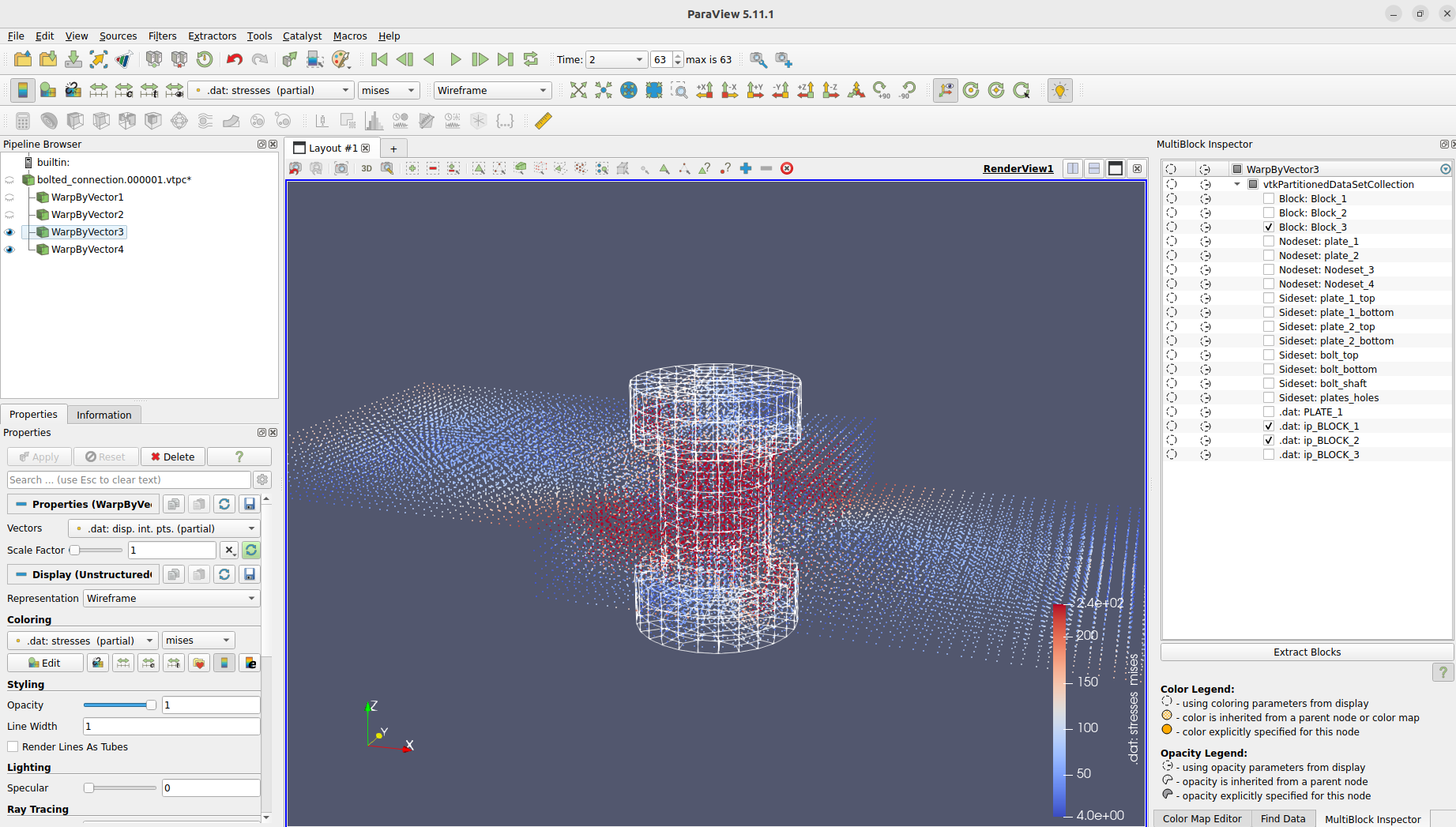
To view the skipped results we will manually convert the results with the partial option. This way missing nodal results will be filled and marked and we can view the missing CalculiX results now in paraview.
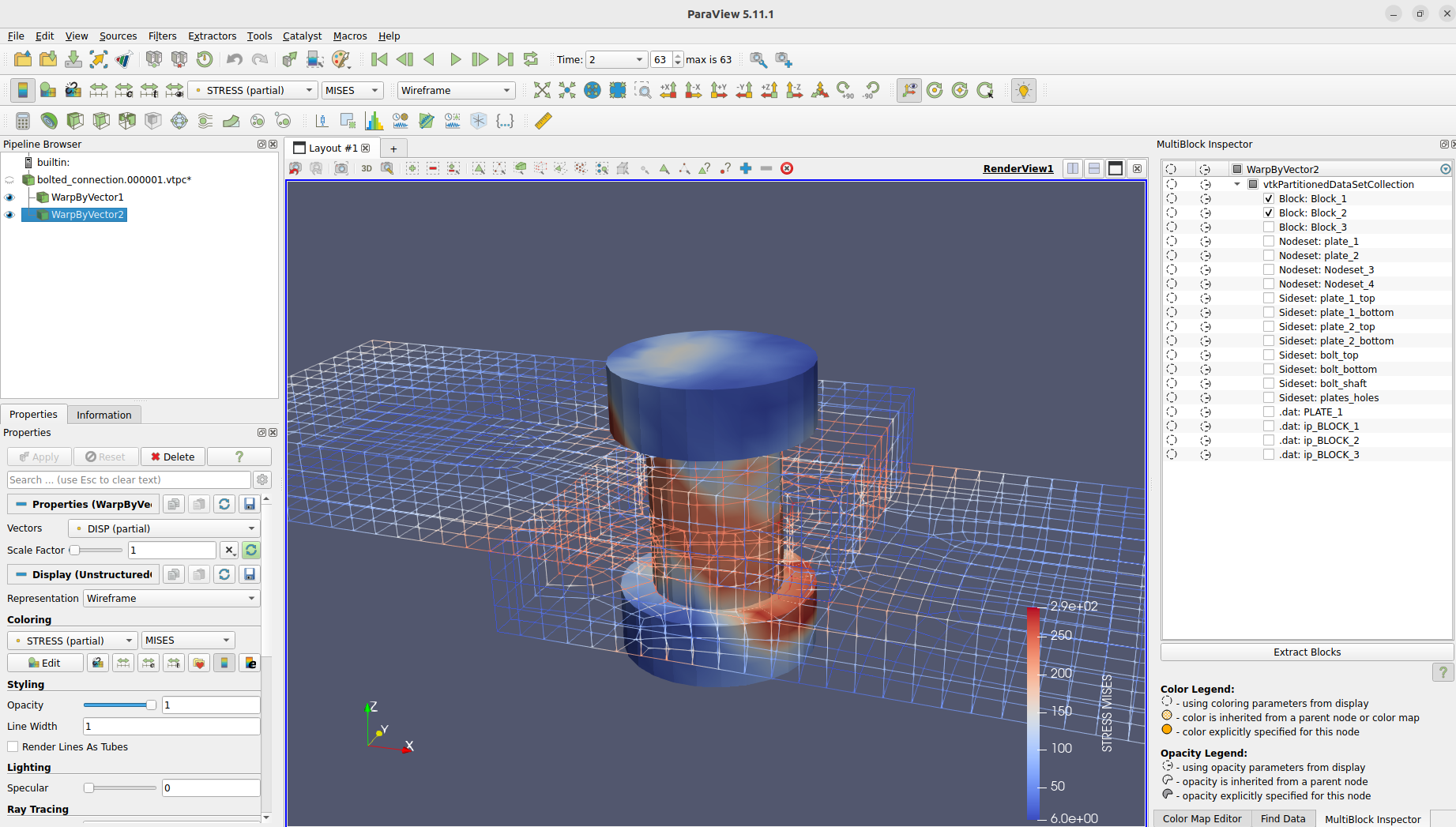
We can even take a look at the integration point results from CalculiX.